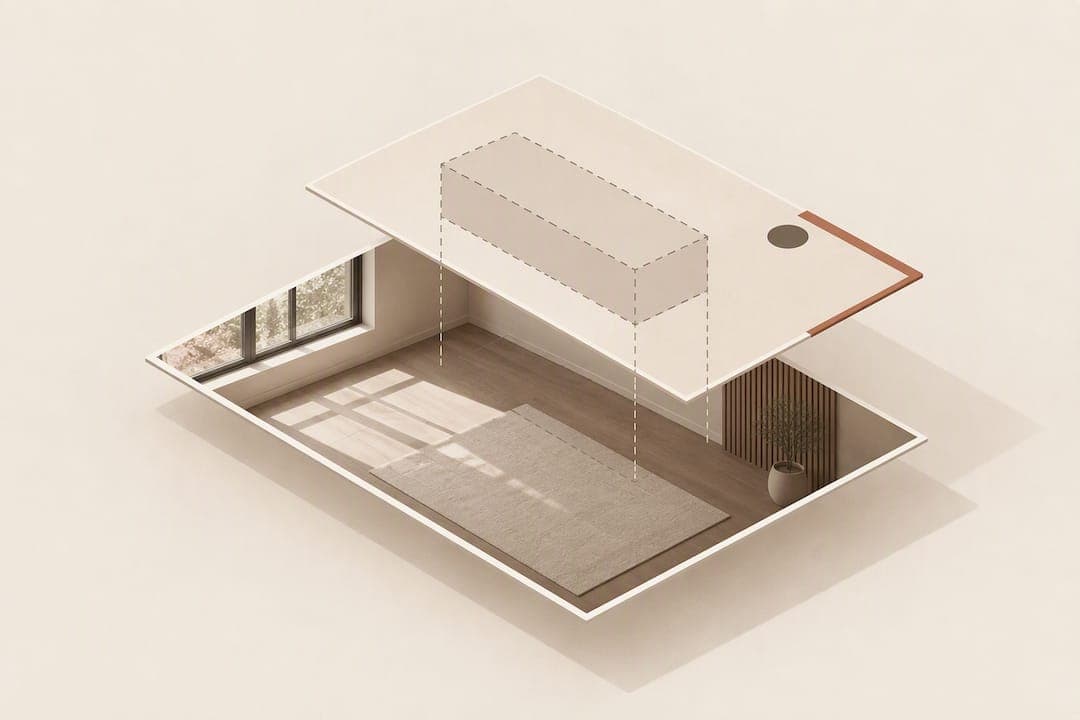
Choose a photo-compositing, app-free room-preview widget over an AR or 3D viewer when your goal is faster shopper confidence and fewer returns. Tools in this category, such as AI Furniture Solutions, use the retailer's existing product photos and a customer's uploaded room photo to generate a realistic preview in seconds, with no app download and no 3D modelling required.
TL;DR:
- Photo compositing offers a faster, app-free way to preview furniture in a customer's room with real product photos, typically in about 30 seconds.
- Evaluate vendors based on preview speed, image fidelity, scale accuracy, lighting match, masking quality, and cross-device reliability during testing.
- Ensure the upload process is simple, includes clear dimensions, and has robust privacy measures to handle interior photos legally.
- Track performance through preview rates, add-to-cart lifts, conversion improvements, and return-rate changes to validate the feature's effectiveness.
- Conduct low-risk trials with free previews, compare treated categories against controls, and model costs carefully before expanding deployment.
Table of Contents
- A quick evaluation checklist for comparing vendors
- How photo compositing works and why shoppers trust it
- Essential features for a product-page room preview
- Rolling out the widget across your ecommerce platform
- Handling customer photos and privacy properly
- Metrics that show whether the widget is working
- What to test during a commercial trial
- What furniture retailers get wrong about visualization
- How AI Furniture Solutions fits this job
- Further reading and primary sources
- Sources
- FAQ
A quick evaluation checklist for comparing vendors
Before committing to a contract, run every candidate through the same short list of tests. Furniture demands tighter scale accuracy than most other categories, so weight that criterion heavily if you sell sofas, wardrobes or dining tables rather than small decor.
- Preview generation speed under real traffic conditions, not a demo environment.
- Image fidelity: does the composited product keep its true colour and texture?
- Scale accuracy against stated product dimensions.
- Lighting match between the uploaded room and the composited item.
- Masking quality, so furniture sits correctly in front of or behind existing objects.
- Reliability across phones, tablets and desktop browsers.
- Analytics and dashboard access for tracking previews, add-to-cart and returns.
- Integration effort for your platform and developer team.
- Pricing model: per-preview, monthly bundle or enterprise contract.
Ask each vendor for a short trial using your own catalogue images and a handful of real customer room photos rather than staged samples. A vendor offering something like 500 free previews lets you validate speed and fidelity on genuine SKUs before spending anything.
How photo compositing works and why shoppers trust it

The mechanics are simple. A customer uploads a JPEG of their room, the system detects scale and background, the retailer's product photo is composited in with adjusted lighting and proportion, and a preview returns, typically in around 30 seconds for services such as AI Furniture Solutions.
That speed matters because shoppers are not asking for a 3D walkthrough. They want to know if a piece fits and looks right, and Baymard's 2024 furniture usability testing found that 87% of participants largely avoided AR features when shopping for furniture, leaning instead on curated photos and customer images to judge fit.
- Photo compositing needs no app download, so there is no drop-off at the install prompt.
- It reuses catalogue JPEGs you already have, avoiding new 3D asset production.
- It returns a result fast enough to keep the shopper on the product page.
Baymard's testing shows 87% of participants avoid AR when shopping for furniture, favouring photos and customer images instead. That single figure is the strongest argument for prioritising a photo-based preview over an app-based AR feature.
Essential features for a product-page room preview
A room-preview widget lives or dies on details most teams overlook until a customer complains. The upload flow needs to be foolproof: clear prompts, example photos showing what "good" looks like, and automatic cropping so a sideways phone photo does not break the composite.
Scale handling is where furniture differs from smaller categories. Shoppers need visible dimensions, a scale marker in the preview, and ideally an option to enter room or ceiling height for tall pieces like wardrobes and bookcases. Visual realism follows close behind: shadowing, colour and lighting matching, and proper masking so a sofa appears to sit in front of a rug rather than floating above it.
- Put the upload control inside the image gallery, next to zoom and any 360-degree controls, which matches how Baymard's 2026 research says shoppers actually browse product images.
- Show written dimensions and a dimension image alongside the preview, not buried in a specifications tab.
- Build a clear fail state: if compositing fails, tell the customer plainly and offer an easy retry.
Pro Tip: Test your upload flow on a low-light phone photo before launch. Most preview failures trace back to poor lighting detection, not the compositing engine itself.
Rolling out the widget across your ecommerce platform
A phased rollout limits risk and gives you clean data at each stage.
- Run an internal test on a small set of SKUs using your free preview allowance, checking image types, orientation handling and generation speed.
- Soft launch on one product category with analytics tracking preview rate, add-to-cart lift, conversion and returns against a control group.
- Roll out across the full catalogue, add PDP badges and email mentions, and put dashboarding and governance in place for ongoing monitoring.
Integration effort varies by platform. Shopify and WooCommerce merchants typically install a tag or app block with minimal developer time, while Magento and custom storefronts may need a short SDK integration. Most vendors, AI Furniture Solutions included, design for Shopify, Magento, BigCommerce, WooCommerce and custom storefronts, so ask specifically about your stack before signing anything.
Handling customer photos and privacy properly
Room photos are not neutral data. Legal analysis of a German court case treats interior photos as personal data in many circumstances, meaning retailers need clear consent, a record of that consent, and a simple way for customers to request deletion.
- Show a brief privacy notice next to the upload control, stating how the photo will be used and stored.
- Keep consent records and document your retention period rather than storing images indefinitely.
- Offer a straightforward deletion request path, not a support ticket buried three menus deep.
- Advise customers to crop out identifying details, such as visible post or family photos, before uploading.
The same legal analysis notes that implied consent can sometimes suffice, but written consent and clear disclosure reduce risk considerably. When your legal team is unsure how this applies to your market, get specific advice rather than relying on a general privacy policy clause.
Metrics that show whether the widget is working
Track preview usage rate (previews per session), preview-to-add-to-cart lift, and conversion rate on treated SKUs against a control group that never sees the preview option. Return-rate delta is the metric that ultimately justifies the spend, since fit confidence is the whole point of the feature.
- Primary: preview rate, add-to-cart lift, conversion lift, return-rate change versus control.
- Secondary: time on page, post-purchase photo submissions, and shifts in NPS or CSAT scores.
- Run a simple A/B test with a fixed baseline window before and after launch to isolate the widget's effect on revenue per visitor.
What to test during a commercial trial
Prioritise vendors offering a genuinely low-risk trial, such as a batch of free previews, so you can validate performance on real customers before paying anything. Understand exactly how billing works: per-preview fees, monthly bundles with overage, and enterprise contracts all shift your cost curve differently as volume grows.
- Ask for a live dashboard demo, not screenshots, so you can see real usage data.
- Request a stated SLA for preview-generation time and platform uptime.
- Model the cost of overage fees against your expected conversion lift before scaling past the free tier.
What furniture retailers get wrong about visualization
Most retailers assume a flashier 3D or AR feature will impress shoppers more than a simple photo preview. The evidence points the other way. AI Furniture Solutions' approach, an app-free widget that composites existing product JPEGs into a customer's room photo in about 30 seconds, works because it removes friction rather than adding spectacle, and its 500 free previews let a merchant prove that out before spending a cent.
The practical move is to run a category split test on the free allowance before ever discussing an enterprise plan. Compare a treated category against an untreated one for a few weeks and let the return-rate data make the case, rather than trusting a vendor's pitch deck.
— Michael
How AI Furniture Solutions fits this job
AI Furniture Solutions builds exactly the tool this article recommends: an app-free widget that composites your existing product photos into a customer's uploaded room photo in around 30 seconds, with integrations for Shopify, Magento, BigCommerce, WooCommerce and custom storefronts.
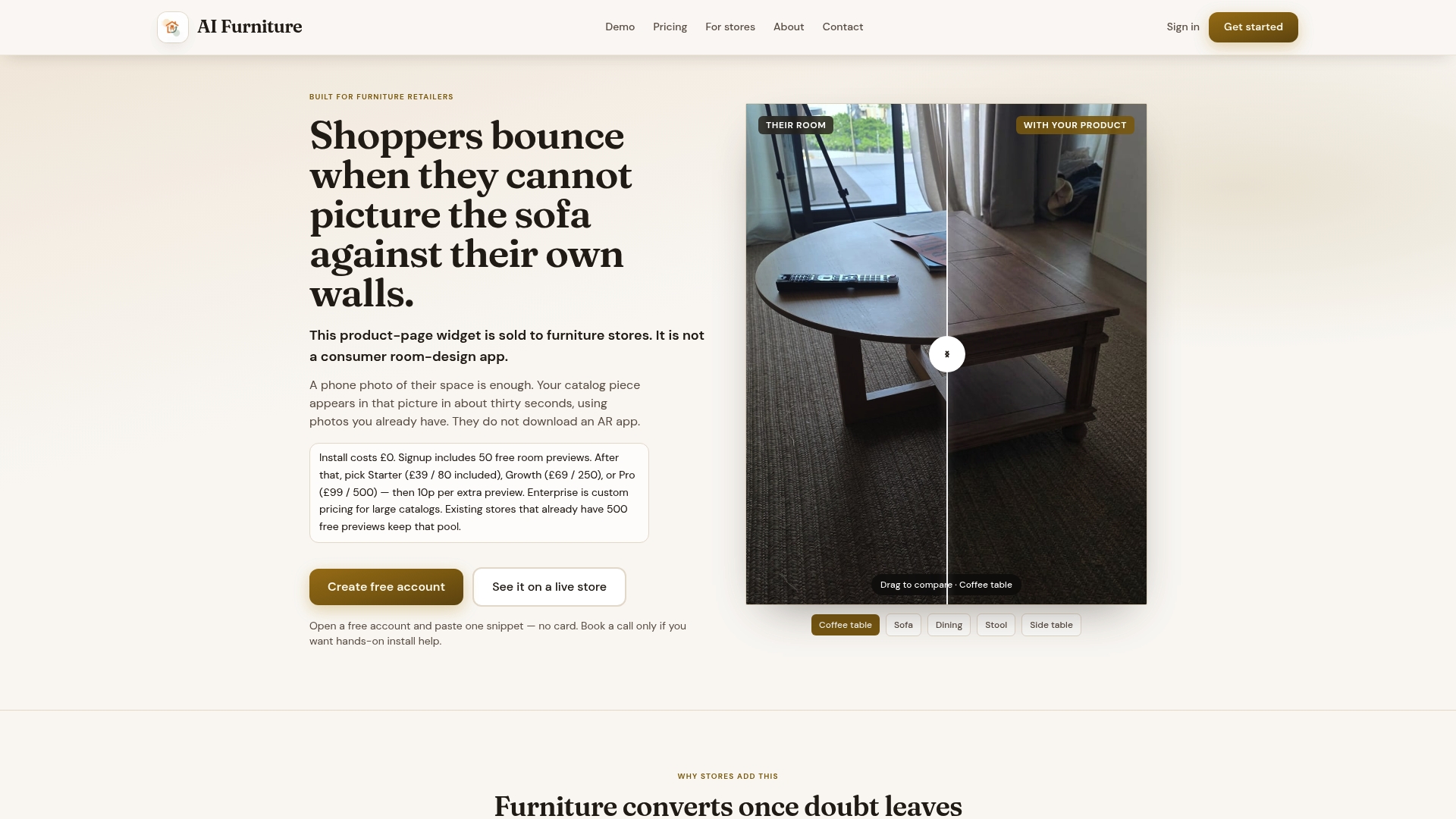
Retailers can trial it with a batch of free previews before any billing starts, then move to a paid plan as usage grows. When booking a demo, ask specifically about setup time, preview speed under load, and what the analytics dashboard shows for previews, add-to-cart and returns.
Full details, including the Enterprise plan and extra preview fees, are on the pricing page. To see the widget running on your own catalogue, book a launch call.
Further reading and primary sources
- Baymard's 2026 furniture and home-decor UX research on dimensions and image priority.
- Baymard's AR avoidance testing for furniture shoppers.
- Legal guidance on interior photos and consent.
- Retailers exploring channel strategy may find this guide to selling furniture through online auction useful.
Sources
- Furniture & Home Decor quantitative UX insights 2026 – Baymard
- Furniture UX: Deprioritize 'View in Room' – Baymard
- Apartment photos and data protection
FAQ
What is the difference between photo compositing and AR for furniture?
Photo compositing takes a photo of the customer's room and superimposes the product image onto it, with no app required. AR overlays a 3D model in real time through a phone camera, which needs an app download and, according to Baymard's testing, is largely avoided by shoppers.
Do customers need to download an app to use a room preview widget?
No, a photo-compositing widget works directly on the product page. The customer uploads a JPEG of their room and receives a composited preview without installing anything.
How much does a room preview widget like AI Furniture Solutions cost?
AI Furniture Solutions offers Starter, Growth and Pro plans priced at $52.56, $92.99 and $133.42 per month respectively, plus an Enterprise tier available on request. New retailers can trial the service with 500 free previews before paying anything.
Is it legal to ask customers to upload photos of their rooms?
It can be, but interior photos may count as personal data in many jurisdictions, so retailers need clear consent, a stated retention policy and an easy deletion path, as outlined in legal analysis of a related court case. Speak to a legal adviser if you are unsure how this applies to your market.
What should I measure when trialling a visualization tool?
Track preview usage rate, the lift in add-to-cart and conversion on previewed products, and any change in your return rate compared with a control group. These figures show whether the tool is genuinely improving fit confidence rather than just adding a feature.