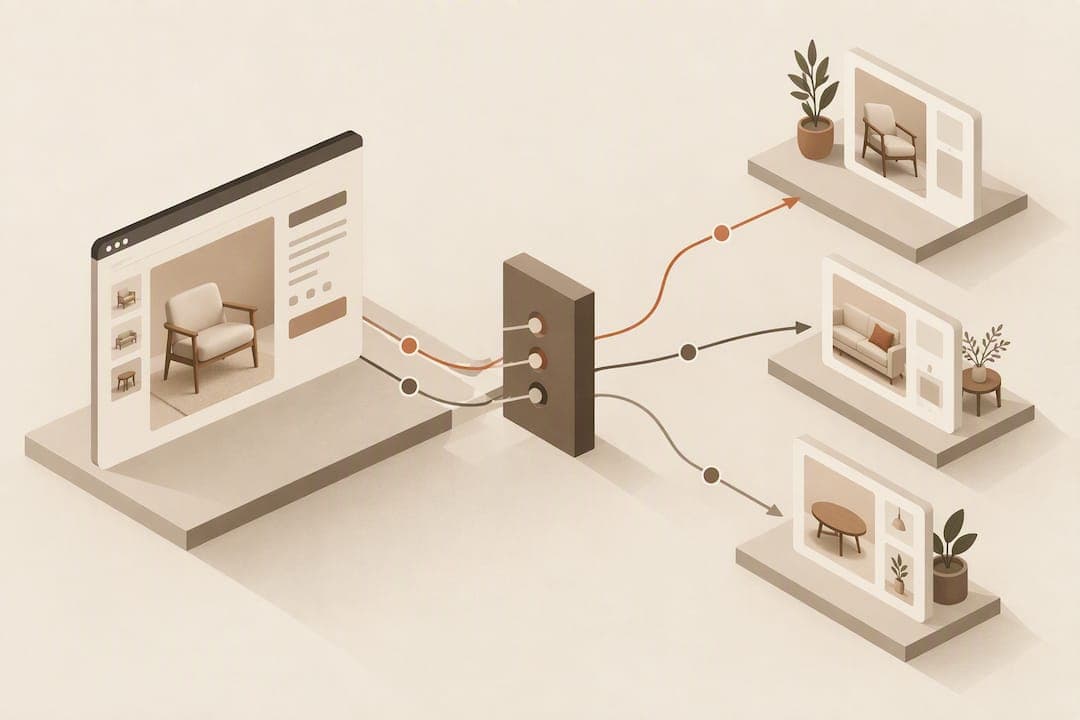
Treat an uploaded room photo with a confirmed placement as your primary signal to act on. When a shopper uploads their room and confirms where the piece sits, send an immediate preview recap email and flag that session for personalised onsite messaging. Before triggering anything, make sure your consent flow and basic event tracking are in place, since this signal only works if you capture it correctly and legally.
TL;DR:
- Confirmed placement signals indicate active intent and should trigger immediate follow-up unless the shopper quickly abandons the session.
- The strongest signal is when a shopper has uploaded their room photo and actively positioned the product, warranting an instant email and onsite personalization.
- Proper data collection requires sending webhook events for confirmed placements and storing minimal metadata to ensure reliability and compliance.
- Consent must be obtained explicitly at upload, with clear options for withdrawal, and images should mainly be stored as metadata to respect privacy.
- Follow-up actions include a quick recap email within minutes, with lighter nudges hours later for unconfirmed sessions, and discount offers reserved for post-confirmation abandonment.
Table of Contents
- Which widget events matter and why
- How to capture and store widget interactions
- Privacy, consent and handling uploaded room photos
- Turning interactions into actions: email, onsite and merchandising workflows
- Measurement: KPIs and how to prove impact
- Implementation checklist and sample event flow
- Author perspective: when a widget is worth prioritising
- How to trial AI Furniture Solutions on your product pages
- FAQ
- Sources
Which widget events matter and why
Not every click inside a room preview widget carries the same weight. Some events show casual curiosity, others show a shopper actively picturing the product in their home, and that distinction should drive how quickly and how hard you follow up.
- Preview open: shows initial curiosity; log it but hold off on heavier messaging until a stronger signal appears.
- Image upload: the shopper has committed a personal photo, a meaningful intent jump worth a soft follow-up if they leave without confirming.
- Placement confirm: the strongest buying signal available, since the shopper has actively positioned the product and approved the fit.
- Save or share: suggests the shopper is involving someone else in the decision, useful for household or gift-purchase segments.
- Close without confirming: often means doubt about fit or style, a good trigger for a dimensions-focused nudge rather than a discount.
Rank these by intent strength, with placement confirm and save/share at the top, upload in the middle, and open or an early close at the bottom. Map each tier to an action: top-tier events earn an immediate email and onsite flag, mid-tier events earn a gentle reminder, and low-tier events simply feed your analytics for later segmentation.
How to capture and store widget interactions
Getting the data pipeline right matters as much as picking the right events. Client-side tracking (via your analytics tag manager) is fine for low-stakes events like preview open, but placement confirm and upload events should also fire server-side or via webhook, since client-side scripts can be blocked or lost on page exit.
- Fire a lightweight client-side event for preview open and close, feeding your standard analytics tool.
- Send upload and placement-confirm events via webhook to your backend or customer data platform (CDP), including a session identifier and timestamp.
- Store only the minimum needed: event type, session or customer ID, product SKU, and outcome (confirmed, abandoned, saved), rather than the raw image wherever possible.
- Connect that event stream to your email automation platform so a confirmed placement can trigger a send within minutes, not hours.
- Add a retry queue or dead-letter log for webhook failures so a dropped event does not silently break your retargeting flow.
Pro Tip: Send placement-confirm events through a webhook rather than relying on client-side tags alone, since a lost confirm event means a missed window for your highest-intent shoppers.
Privacy, consent and handling uploaded room photos
Asking a shopper to upload a photo of their home is a bigger trust moment than a normal page view, so your consent approach needs to match that. The ICO's guidance on lawful basis for consent is clear that consent must be a positive, informed action with granular choices, not a bundled checkbox buried in your terms.
- Ask for consent at the point of upload, not earlier in a generic cookie banner, since that is when the request is actually relevant to the shopper.
- Keep the consent toggle visible and usable on mobile screens, where cramped layouts often create invalid consent patterns.
- Store metadata about the interaction (confirmed, product SKU, timestamp) rather than the raw photo wherever your workflow allows it.
- Offer a clear way to withdraw consent and delete an uploaded image after the session.
One in two shoppers rank written dimensions among the most essential product-page content, according to Baymard's quantitative UX research on furniture and home decor, a reminder that consent and data handling sit alongside, not instead of, solid product information. The ICO's practical guidance on managing consent also notes that when a shopper actively interacts with a feature like an upload tool, that interaction can sometimes support processing as strictly necessary to deliver the service, provided you explain it clearly at the point of use.
Turning interactions into actions: email, onsite and merchandising workflows
Once you have clean event data and proper consent, the real work is building workflows that respond to intent without overwhelming the shopper.
- Within minutes of a confirmed placement, send a short email recapping the preview image alongside the product and a direct link back to the page.
- If the shopper closes the widget without confirming, wait a few hours, then send a lighter nudge focused on dimensions and fit rather than price.
- For onsite personalisation, flag confirmed-placement sessions so returning visitors see a banner referencing their saved preview rather than a generic homepage.
- Reserve discount offers for shoppers who confirmed a placement but did not convert within a set window, since that group has already resolved the fit question and price is the likely remaining barrier.
- For save or share events, route the shopper into a household or gift-buyer segment with inspiration-led content rather than a discount, since a second decision-maker is usually still involved.
Pro Tip: Keep the first follow-up email purely informational, showing the preview and product details, and save any discount for a later message if the shopper still hasn't converted.
These flows pair well with personalising the shopping experience around a shopper's own room photo, and the same signals can extend into marketing beyond email, including ads and in-store QR codes.

Measurement: KPIs and how to prove impact
Widget data only earns its keep once it is tied to outcomes you can report on. Track a small set of metrics consistently rather than drowning your dashboard in vanity numbers.
- Primary KPIs: conversion rate for confirmed-placement sessions versus sessions without a preview, and return rate for orders linked to a confirmed preview.
- Secondary KPIs: email open and click rates for preview-triggered sends, and time-to-purchase after a confirmed placement.
- Experiments: run an A/B test withholding the preview-triggered email from a control group for two to four weeks, then compare conversion and return rates between groups.
| Metric | What it tells you | Suggested review window |
|---|---|---|
| Conversion rate, confirmed vs no preview | Whether placement confirm predicts purchase | Monthly |
| Return rate, preview-linked orders | Whether previews reduce fit-related returns | Quarterly |
| Email click-through, preview recap | Whether the follow-up message is working | Weekly |
| Time-to-purchase after confirm | How quickly intent converts | Monthly |
Set a simple threshold, such as reviewing any metric that moves by more than a few percentage points month to month, rather than reacting to every daily fluctuation.
Implementation checklist and sample event flow
A single sprint is usually enough to get the core loop running, provided the checklist is tight and scoped.
- Pre-deployment: confirm event names, agree on the minimal data schema, and finalise the upload consent copy.
- Deployment: wire up the webhook for upload and placement-confirm events, connect it to your email tool, and test the recap email end to end.
- Post-deployment: monitor webhook delivery for a week, check consent opt-in rates, and review the first batch of preview-triggered email performance.
| Event | Trigger | Action | KPI to watch |
|---|---|---|---|
| Placement confirm | Webhook fires | Immediate recap email | Conversion rate |
| Upload, no confirm | Session timeout | Delayed dimensions nudge | Email click-through |
| Close, no upload | Page exit | Logged only, no email | Preview open rate |
Author perspective: when a widget is worth prioritising
A room-preview widget earns its place once your product pages already carry solid dimensions and scale photography, since Baymard's research finds many shoppers still distrust unreliable "view in room" tools and fall back on measurements anyway. Photo compositing works well across most catalogue items precisely because it reuses photos you already have rather than demanding new 3D assets. Treat widget data as an addition to, never a replacement for, those product-page basics.
— Michael
How to trial AI Furniture Solutions on your product pages
We built our widget so retailers can test the whole loop, upload speed, composite quality, and the event tracking dashboard, before spending anything. Our trial includes 500 free previews, enough to run the signals and workflows described above on a real slice of your catalogue.
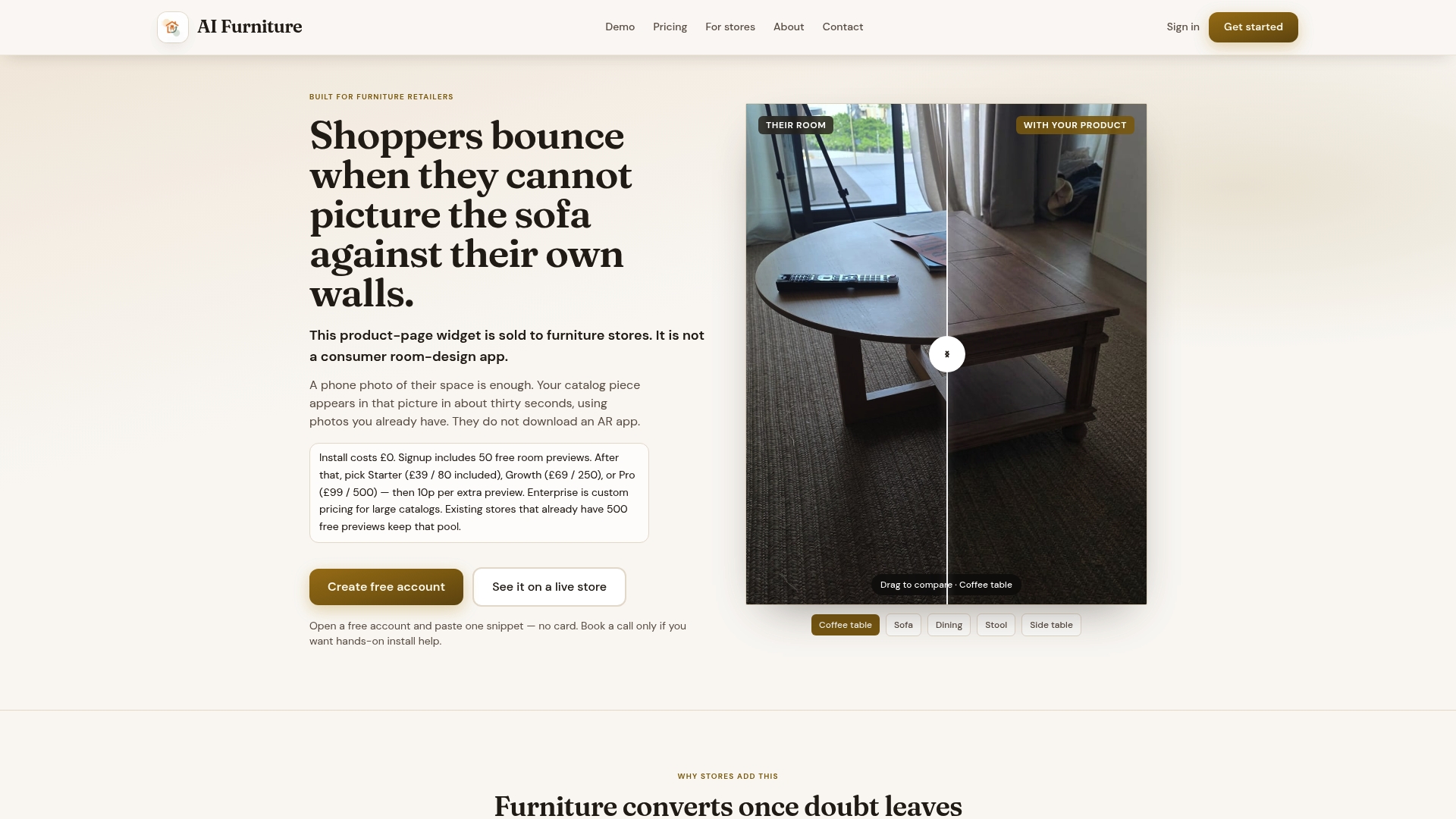
- Run the universal demo on any product URL to see composite quality without installing anything first.
- Bake off the widget against your current product page experience using your own catalogue photos.
- Configure webhooks early so placement-confirm events start flowing into your email tool from day one.
Pricing scales with usage: the Starter plan runs $52.56 a month, Growth sits at $92.99 a month, and Pro is $133.42 a month, with Enterprise available for higher-volume retailers on request. There is no setup fee, and extra previews beyond your plan allowance are billed at 10p each. Start with the universal demo and move to a full trial once the composite quality and dashboard data look right for your catalogue.
FAQ
What is the strongest retargeting signal from a room preview widget?
A confirmed placement, where the shopper has uploaded their room and positioned the product, is the strongest signal, since it shows active intent rather than browsing. Treat it as the trigger for an immediate recap email and onsite personalisation flag.
Do I need consent before storing an uploaded room photo?
Yes, under ICO guidance on lawful basis for consent, consent should be a clear, positive action requested at the point of upload rather than buried in a general cookie notice. Where possible, store interaction metadata instead of the raw image to reduce what you need consent for.
Should room previews replace written dimensions on product pages?
No, Baymard's research finds written dimensions and dimension images remain among the most essential content types for fit confidence. A preview widget should sit alongside these, not instead of them.
How quickly should I follow up after a confirmed placement?
Sending a recap email within minutes of a confirmed placement captures the shopper while their interest is highest. A delayed, lighter nudge a few hours later works better for sessions that end without a confirmed placement.
What does AI Furniture Solutions cost to trial?
The service includes 500 free previews to test upload speed, composite quality, and the event dashboard before paying anything. Paid plans then start at $52.56 a month for Starter, with Growth and Pro available for higher usage.
Sources
- Furniture & Home Decor quantitative UX insights 2026 – Baymard
- A guide to lawful basis: consent – ICO